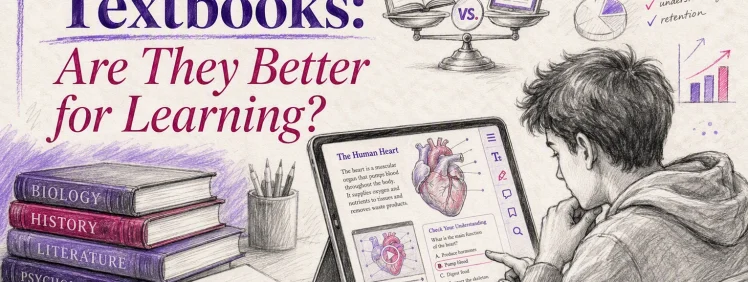
Quick Summary: Interactive textbooks can enhance learning when they promote active recall, practice, and clear structure, especially in STEM and self-paced courses. However, poorly designed features like pop-ups and animations can distract and hinder focus. They work best when aligned with specific tasks and student needs, but for deep reading or offline study, simpler digital or print options may be better. Overall, their effectiveness depends on thoughtful design and how well they fit the learner’s goals.
Picture a psychology or biology class where the chapter itself tests you. You tap a diagram, answer a quiz, search your notes, and keep moving. Interactive textbooks can make that shift from passive reading to active recall. But interactive textbooks do not always help. Bad design can break focus, add clicks, and tire students out.
This review answers a simple question: are interactive textbooks better for learning, or just busier versions of digital books? You will see where they improve memory, where they create friction, and which learners benefit most. The goal is practical, not hype. This article looks past features and focuses on learning outcomes, study habits, and real classroom use.
How interactive features affect real learning
Interactive textbooks help only when the feature makes you think. Tapping, swiping, and flashy media do not matter by themselves. What matters is whether the tool pushes recall, comparison, explanation, or practice. For the bigger picture on platform choice, go back to the parent review on Interactive Textbooks: Are They Better for Learning?
Where interactivity helps retention
Features work best when they support retrieval practice, spacing, and dual coding. That means low-stakes quizzes, flashcards, labeled diagrams, and short checks after each concept. Research reviews in medical education point to these strategies as strong supports for longer-term memory, not just short-term review evidence-based learning strategies.
- Helpful interactive features:
- End-of-section quizzes
- Click-to-reveal definitions
- Diagram labeling
- Progress checks with feedback
If a feature makes you answer, sort, or explain, it usually helps more than a feature that only plays media.
When interactivity becomes distraction
Some features add mental clutter. Pop-ups, extra links, autoplay video, and fun but unrelated visuals can pull attention away from the main idea. Research on seductive details found that interesting but irrelevant extras can hurt recall by diverting attention from core content seductive details study.
- Red flags:
- Too many clickable paths
- Animations without a learning goal
- Audio that repeats the text
- Gamified rewards for easy taps
More interactivity is not always better. Relevant interactivity is better.
What students actually use the most
Most students get the most value from a small set of tools, not the full feature stack.
| Feature | Why students use it | Learning value |
|---|---|---|
| Search | Find answers fast | Saves time |
| Highlighting | Mark key lines | Good only with review |
| Notes | Summarize ideas | Helps processing |
| Quizzes | Check recall | Strong retention |
- Best rule:
- Use search to locate
- Use notes to restate
- Use quizzes to prove you learned it
Also Read: Educational Research: Competencies for Analysis and Applications (13th Edition)
Platform experience and study workflow
A good platform feels boring in the best way. You open the book, find the page, mark key lines, and move on. Research on interactive e-texts keeps pointing to the same thing: user-friendliness and low friction matter for learning, not just flashy extras, according to this scoping review of 33 studies.
Reading, search, and navigation
The first test is simple: can you find what you need fast?
- Search should work across chapters, not just one page
- Navigation should include bookmarks, linked references, and clear progress
- Reading controls should let you change font, contrast, and size
Platforms with weak navigation waste study time. One e-textbook study found students interacted sooner when a concept map interface was available, which suggests structure changes how quickly people start working with the material.
| Workflow task | What helps | What slows you down |
|---|---|---|
| Find a term | Full-text search | Image-only scans |
| Return to a section | Bookmarks and history | Endless scrolling |
| Review figures | Linked references | Opening separate windows |
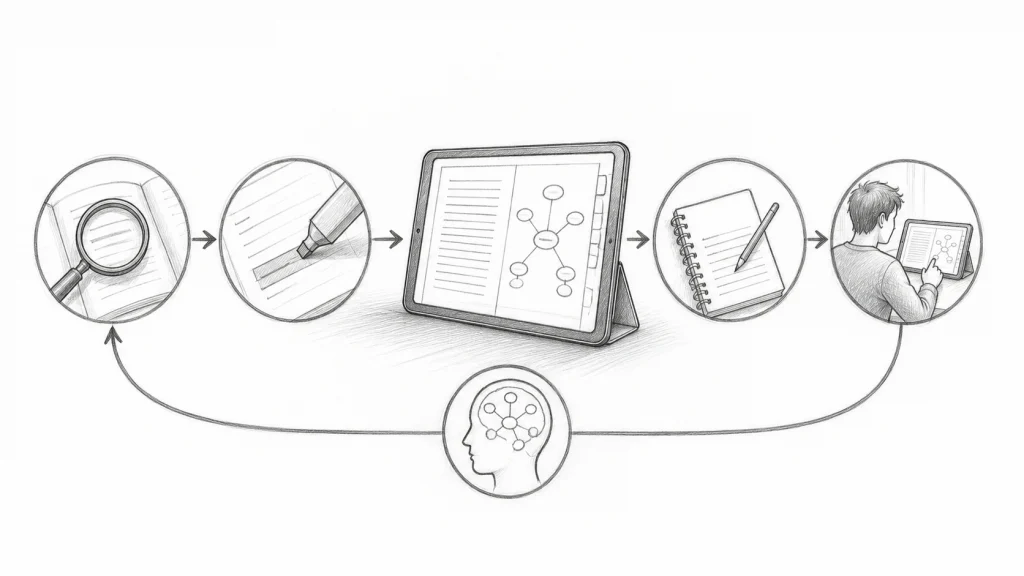
If a platform makes you hunt for chapters or figures, it adds friction before learning even starts.
Annotations, citations, and note management
Study tools matter most when they stay organized.
- Highlight only key claims, terms, and formulas.
- Add short notes in your own words.
- Export citations or notes if you write papers from the text.
Cornell’s learning center notes that active use of digital markup tools is linked with higher GPA, while mindless highlighting can backfire in practice when students read digital materials.
- Best features:
- Color-coded highlights
- Margin notes
- Note export
- Citation copy tools
Multimedia and assessment features
Multimedia helps when it supports the reading, not replaces it.
- Good add-ons:
- Short explainer videos
- Audio read-aloud
- Quick self-check quizzes
- In-text practice questions
Tablet, laptop, and handwriting note-taking can produce similar recall, so the edge often comes from workflow fit, not device type alone. The best interactive textbooks keep quizzes and media close to the text, so you can test yourself right after reading.
Also Read: Motor Learning and Performance: From Principles to Application (7th Edition)
Who benefits most from interactive textbooks?
Interactive textbooks help most when the format matches the task. A 2026 study found better outcomes when digital textbook features fit what students actually need to do, not just when the book adds more media task-technology fit research.
- Best fit for students and lifelong learners
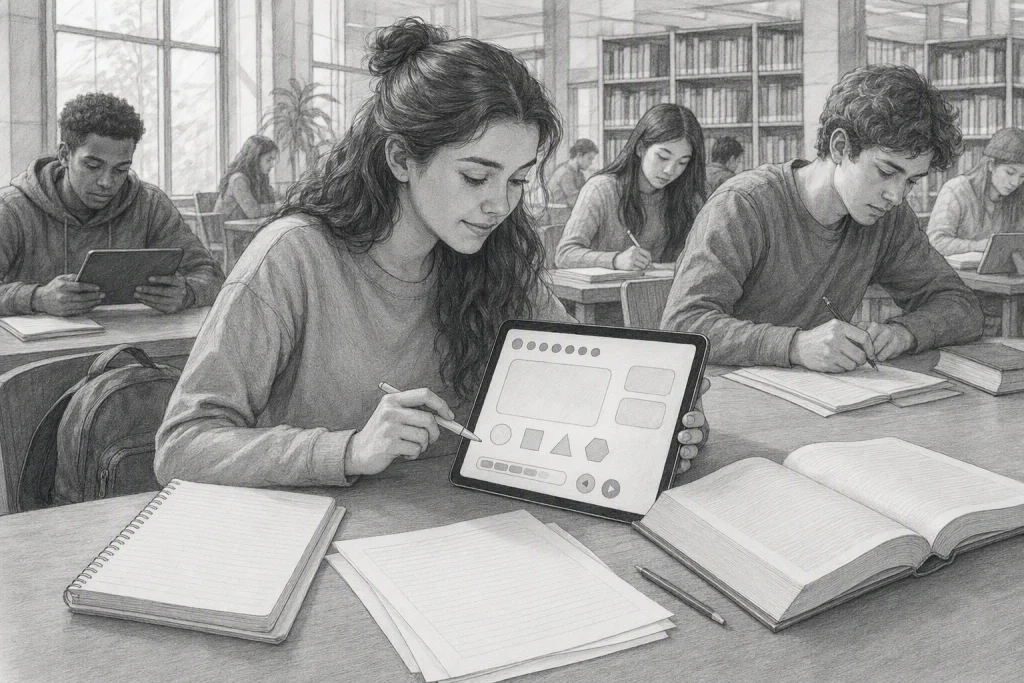
- Students who learn by doing tend to gain the most.
- Good fit includes:
- Intro course learners who need quick checks and feedback
- STEM students working through steps, problems, or visual concepts
- Self-paced learners who benefit from quizzes, hints, and replayable media
- One study found interactive web-native content improved results more than static online text, with the biggest lift among lower-quartile learners interactive textbook study.
- Best fit for schools and universities
- Schools benefit most when they want both access and teaching support.
- Strong use cases:
- large gateway courses
- blended or online classes
- programs serving mixed skill levels
- Interactive texts can help instructors spot weak areas early, standardize practice, and reduce some access barriers when cost is a concern.
The win is not “more features.” The win is faster feedback, better fit, and easier access.
- When a static digital book is the smarter choice
- A plain PDF or ePub is often better when students need:
- deep reading without prompts
- low-bandwidth access
- simple offline use
- fewer distractions
- If the interactivity feels slow, cluttered, or forced, a clean digital book is the smarter tool.
Pros and Cons
Pros
- More active study: Good interactive textbooks turn reading into practice with quizzes, hints, and feedback. A 2025 study found H5P-enhanced digital textbooks raised motivation, even when total knowledge gains stayed similar overall in some cases, according to TechTrends research.
- Lower cost and easier access: A 2026 chemistry eText study reported 82% of students said free access mattered a lot, and 80% used the text several times a week, based on Journal of Chemical Education findings.

Cons
- More screen friction: Pop-ups, videos, and embedded tasks can help, but too much media can overload attention.
- Not always better for deep reading: Some students still learn dense material better in print.
- Quality varies a lot: Weak design turns interactivity into busywork.
Best results usually come from simple, well-placed activities, not constant clicks.
Also Read: Perlego vs BUKU: Which Online Textbook Service Wins?
Are interactive textbooks better for learning?
They can be better for learning, but only when the interactive parts support the task instead of interrupting it. Recent research points in the same direction: interactive texts often raise engagement and sometimes improve specific learning outcomes, but they do not beat static books in every case. A 2025 H5P study found higher motivation but not a clear jump in overall knowledge gains for every learner, while a 2025 randomized trial on iTELL found stronger summaries and better scores for readers who spent more time with the interactive version H5P study iTELL trial.
The clearest use cases
Interactive textbooks work best when the subject needs practice, feedback, or step-by-step checking.
- STEM courses with worked problems
- Language learning with quizzes and recall prompts
- Skills-heavy classes where you learn by doing
- Online courses where the book must do part of the teaching
They help most when they include:
- Short checks for understanding
- Instant feedback
- Note tools and search
- Progress tracking
- Low-friction navigation
| Best fit | Why it works |
|---|---|
| Problem-solving subjects | Students test ideas right away |
| Self-paced study | Feedback replaces some instructor support |
| Review before exams | Quizzes help recall and spot gaps |
Interactivity helps when it makes you think, not just click.
Who should choose another format
Some learners still do better with print or plain PDFs.
- Students who get distracted easily
- Readers doing deep annotation on dense theory
- People with eye strain or weak devices
- Courses where the book is mostly long-form reading
Choose another format if the textbook has:
- Too many pop-ups
- Slow loading pages
- Locked note export
- Weak offline access
- Busy design that breaks focus
| Another format may suit you if… | Better choice |
|---|---|
| You need deep reading and margin notes | |
| You study offline often | Downloadable PDF or ePub |
| You want low cost and fast access | Simple digital copy from Textbooks For Life |
The best textbook is the one you will actually finish, revisit, and learn from.
Want lower costs without giving up flexible digital study? Try Textbooks For Life for discounted PDFs and ePubs you can access fast, legally (yes we have all the necessary documentation and deals signed with various publishers and authors), compare easily, and fit to your learning style. You can take those anywhere and use them on any device without any issues! You can also request ANY book and we’ll try and get it for you 🙂
Frequently Asked Questions
Schools should compare interactive platforms with low-cost file libraries. If classes need quizzes, notes, and tracking, interactive options fit better. If budget matters most, simple PDF and ePub access from TextbooksForLife can be the smarter pick.
They can, but only when the extras support study. Built-in quizzes, search, and highlights help review. Too many pop-ups or tasks can distract.
First of all, if you get them from our site (T4L), they are actually cheaper! Even if they weren’t, they are still worth it for courses that need practice, feedback, or media. For reading-heavy classes, cheaper digital textbooks often give similar value.
Check device support, offline access, note tools, print limits, and how long access lasts. Short licenses can hurt value fast. Textbooks For Life (T4L) gives you lifetime license to use and own the ebook you purchase!
Which side wins?
Interactive textbooks are better for learning when they add practice, feedback, and clear structure, not just flashy extras. The evidence stays mixed on raw performance, but motivation and targeted gains can improve, as shown in recent H5P textbook research. They also work best when they respect focus, since digital reading research shows screens can hurt deep reading. The best choice depends on your subject, study habits, and how well the platform reduces friction.